Microsoft Rolls Out Automatic Settings Backup for Windows 11 Enterprise Devices
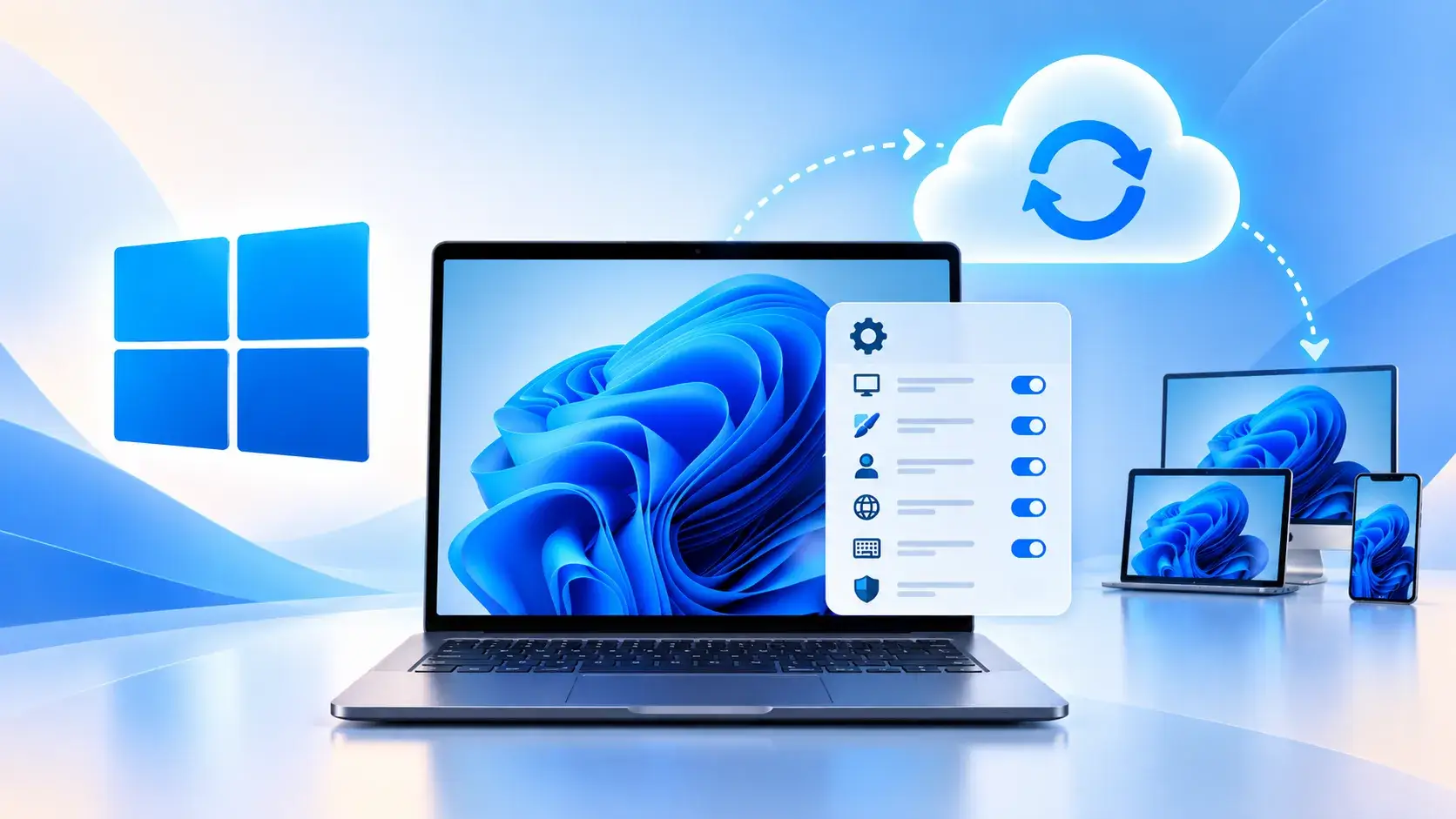
Microsoft has begun automatically enabling a settings backup feature on eligible Windows 11 commercial devices running the 26H2 update, a move the company says will strengthen enterprise resilience and simplify endpoint recovery after disruptions.
The new default applies to business‑grade PCs that meet the criteria set by Microsoft’s enterprise licensing agreements. When an organization has already activated the optional backup service through its management tools, the operating system will now silently back up user and system configurations to the cloud, eliminating the need for manual configuration or third‑party solutions.
According to the tech firm, the feature is designed to mitigate the impact of ransomware attacks, hardware failures, or accidental misconfigurations. By preserving a snapshot of settings such as personalization, network preferences, and security policies, IT departments can restore devices to a known good state more quickly, reducing downtime and the workload on support staff.
Industry analysts note that the automatic rollout reflects a broader trend toward built‑in data protection within operating systems. While Windows has offered file‑level backup for years, comprehensive settings backup has been limited to certain editions or required additional configuration. The 26H2 update closes that gap for many large organizations, though the functionality remains optional for devices that do not meet the eligibility requirements.
Enterprises can manage the feature through Microsoft Endpoint Manager or Group Policy, where they can specify retention periods, select which settings are included, and control the cloud storage location. Microsoft has indicated that future updates may expand the scope of backed‑up items and provide more granular restoration options. For now, the automatic enablement marks a step toward tighter integration of resilience tools directly within the Windows ecosystem, potentially setting a new baseline for corporate IT security practices.



Comments (0)
Be the first to comment.
Join the discussion